
Join
How it works
Sign up in three easy steps, then start creating journal entries and goals.
Step one
Enter your career information
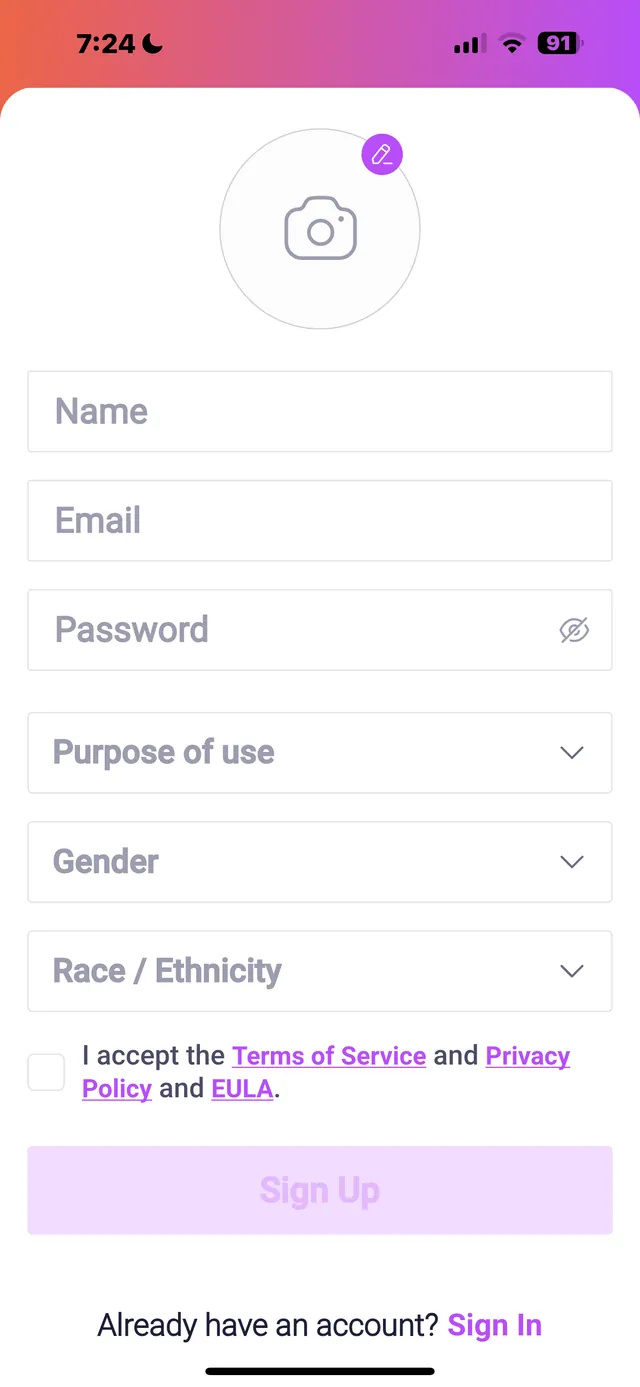
Sign up with a personal email and create a profile: job title, company, gender and the reason you are using Jobminder365.
Step two
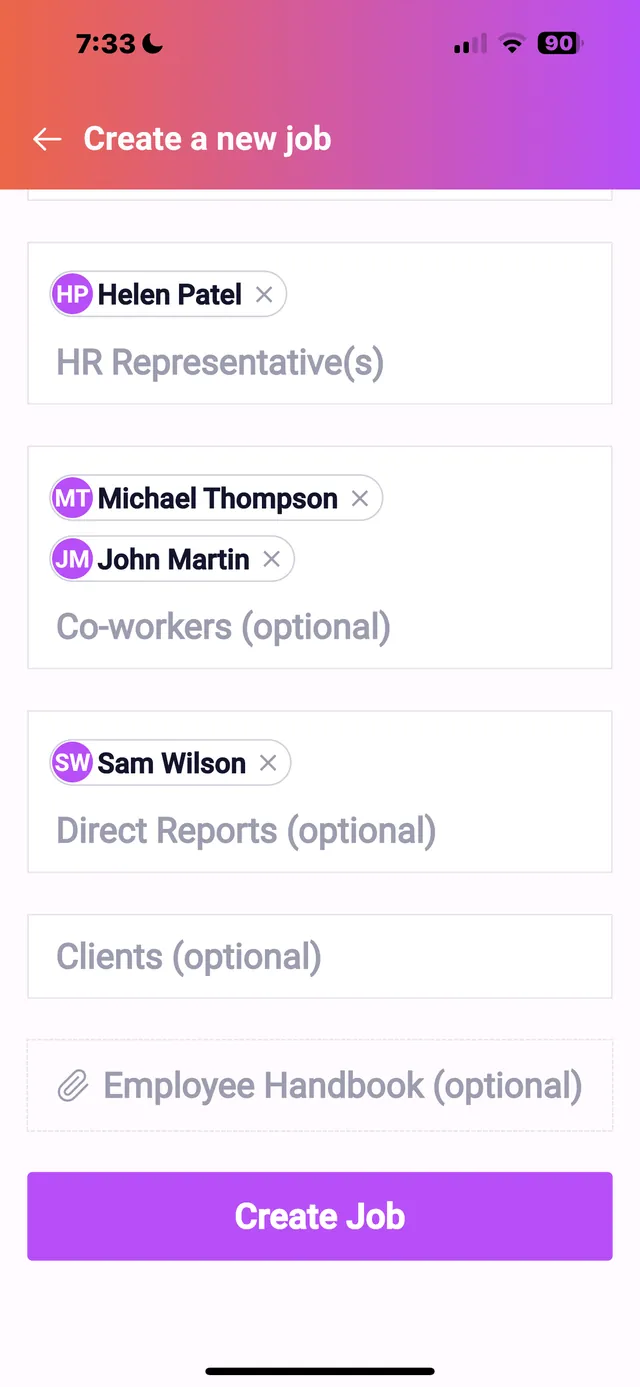
Add your company and your employee handbook
Keep the company handbook at the ready so policies and procedures are understood, respected and followed.
Step three
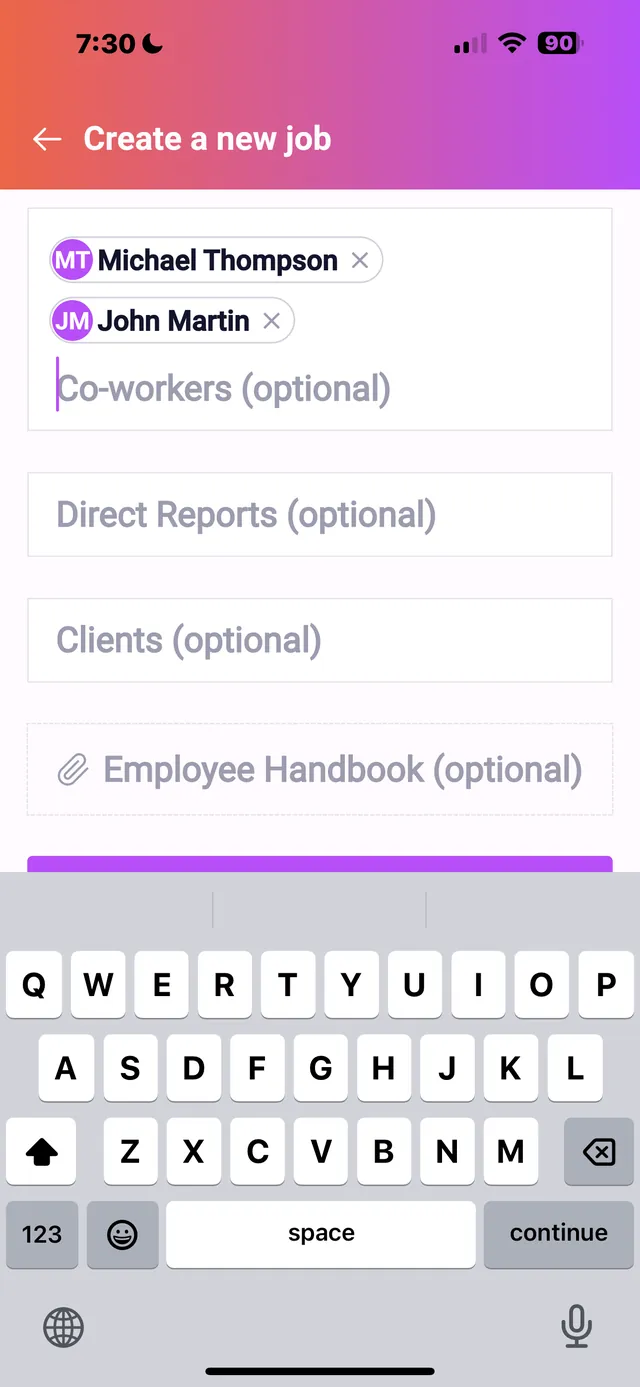
Populate your colleagues
Add direct managers, co-workers, business partners and anyone with influence over your career journey.
Then
Start creating journal entries and goals
Journal entries can be placed under these categories:
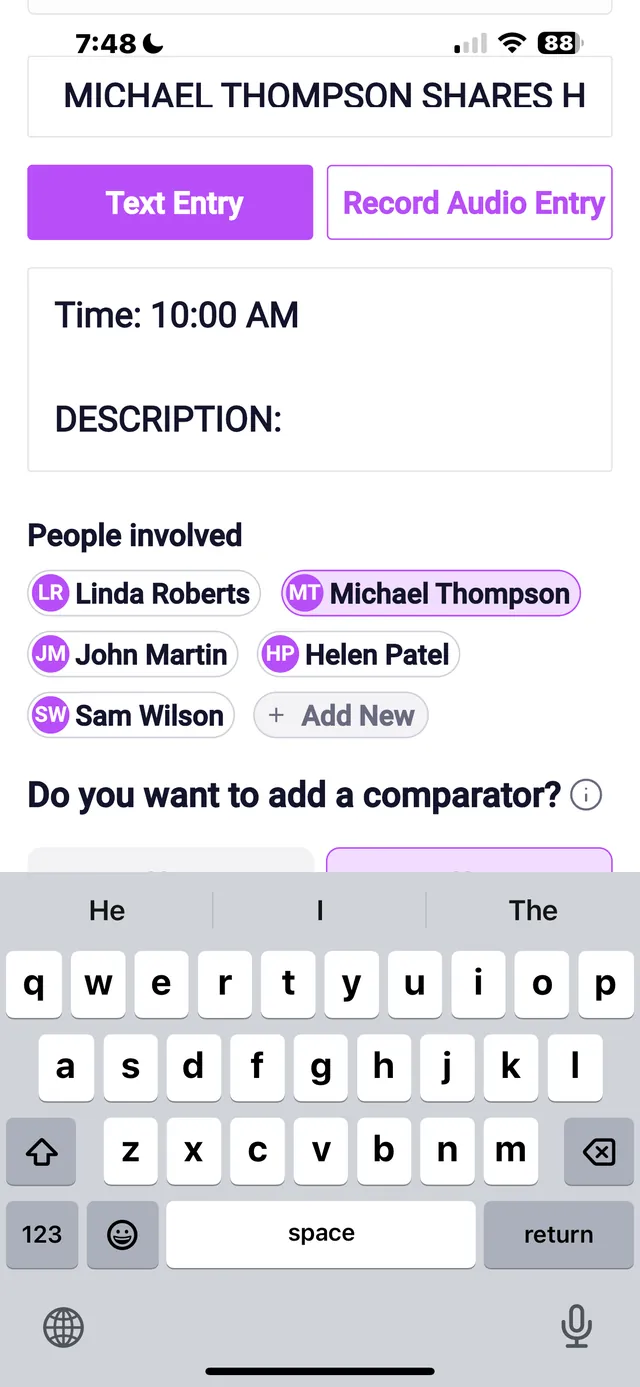
Add a title and a date to each entry, describe what happened and who was involved. Colleagues you added in step three can be named in the entry. Entries can be typed or voice-recorded. Supporting documents, receipts, audio recordings, photos and videos can be uploaded and saved with the entry.
Track all your goals, big or small, from task to completion: feedback you acted on and career milestones. Once you reach one, check it off and record it as complete. Journal entries live in the Jobminder365 app, and when you need them you can send them to your own devices.
Welcome
Your workplace documentation companion
Jobminder365 is a workplace documentation app that helps employees mind their business, protect themselves and advance their careers. In a fast-paced work environment it matters more than ever to keep track of, and safely store, important emails, conversations, incidents, meetings and feedback.
The onboarding is made to capture, organize, store and share critical information, so nothing important slips through the cracks. Document interactions, meetings, emails and conversations, then keep the important files in one secure place.
Get the app
Download Jobminder365
Free to download for iPhone and Android.